TL;DR
- Samson Q9U dynamic microphone
- Elgato XLR audio interface
- Rode PSA1+ microphone arm
- Audio-Technica ATH-E50 In-Ear Monitor
- Beyerdynamic Custom One Pro Plus Headphones
Where I started
Shortly after beginning quarantine mid-march of 2020, I decided that I needed to upgrade my audio. Both because doing full-time remote and because playing with microphones would be fun.
Blue Yeti
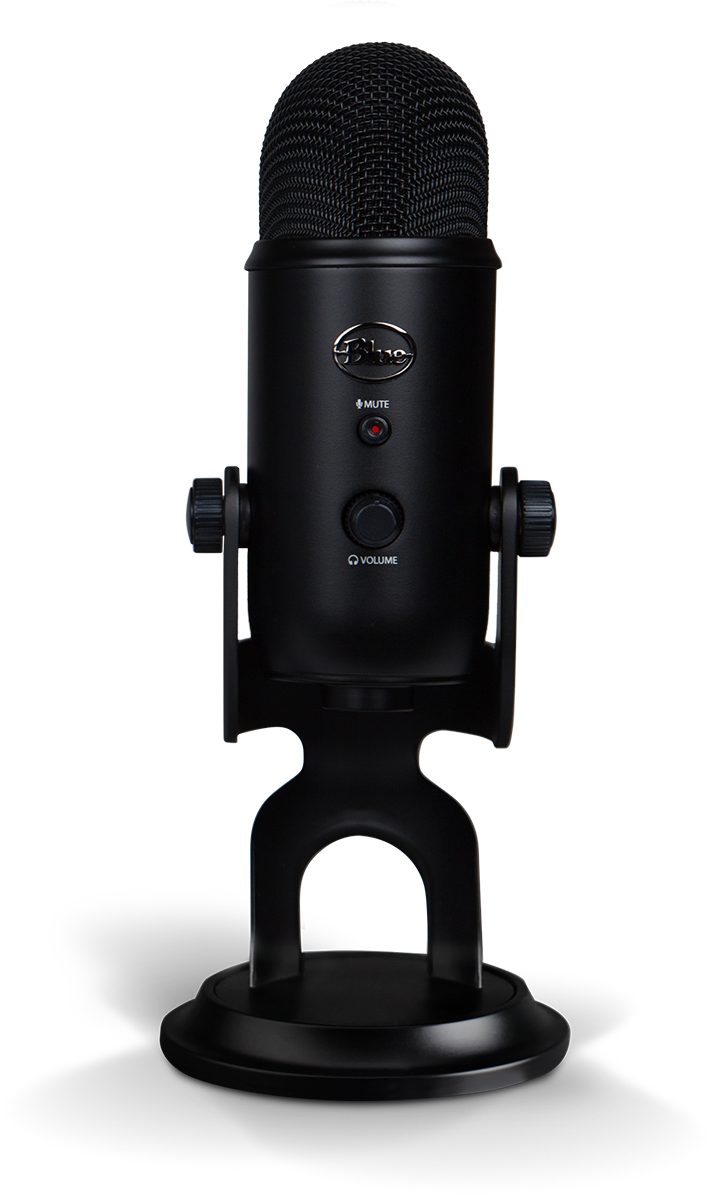 Image: Blue
Without a whole lot of research at the time, I ended up buying Blue's Yeti kit which includes their Compass Arm and their shock mount. This served me pretty well for 2 years before I decided to upgrade my microphone. My main issue is that in my apartment, the Yeti picks up basically everything even with the gain turned all the way down and that's more or less par-the-course for condenser type microphones -- I did put a foam windscreen on it, which I think helped a tiny bit, but definitely not enough. So, I wanted to upgrade to a dynamic microphone and that was more of an ordeal than I expected. Ultimately, I think the Blue Yeti is fine. But I definitely wouldn't recommend it to anyone, particularly if you don't have a separated office. See https://dontbuyayeti.com/ which was setup recently.
My desk setup includes two monitors and there's my desktop computer as well as my work laptop. Each machine is hooked up separately into each monitor and I used to have a dedicated USB-switch as well. This meant that switching machines would require changing the input on each monitor and then switching the USB switch. Recently, I upgrade one of my monitors which has a built-in USB-switch that auto-switched depending on the input. This worked great with the Blue Yeti.
Looking for new microphones
At first, I wanted a USB dynamic microphone since I was used to it with the Yeti. I didn't want to deal with a USB audio-interface or anything like that thinking that things would be simpler that way.
I had two requirements for a microphone:
- A mute button with an indicator
- Monitoring with computer audio
For the mute button, with the indicator, ideally, it would be easy to whether the microphone was muted or not. This was so that I can mute at the hardware level and not have to deal with muting and unmuting in the conferencing app itself, especially if I wanted focused on it. However, there actually aren't that many dynamic microphones with USB connections and of those not a lot had the type of mute button that I was looking for.
Through some research, my initial contenders were:
- the Shure MV7, and
- the PreSonus Revelator Dynamic USB Microphone.
Samson Q9U
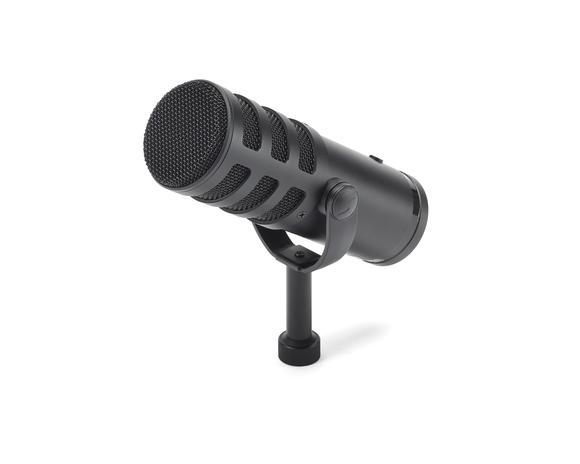 Image: Samson
After talking with Ed Ropple (of Zoom like you mean it fame), I ended up going with the Samson Q9U (thanks Ed!). It had a physical button that you could tell or feel whether the microphone was muted or not. It had both a USB connection and an XLR port, which is also why I initially was looking at the Shure MV7. USB connection for now and the XLR port should I ever want to upgrade my setup.
When I got it, the Q9U was pretty nice. It had a mute button that clicked in when muted, so, you could tell when it was muted or not. It also had an audio-out which mixed the microphone monitoring with the computer audio, which is great.
Unfortunately, there was lots of static on the audio. After lots of fiddling and trying to plugin it into different USB ports, I settled on getting one of those "ground loop noise isolators". It does reduce the volume level a tiny bit but I didn't really notice a drop in audio quality. Most importantly, it made the static go away.
However, I had another issue with the microphone. When switching computers, the connection would sometimes fail causing a loud screeching in the headphones and prevent any audio related program to work on the computer requiring unplugging and replugging it into USB. After lots of testing and a variety of different USB ports, I couldn't find a specific solution to this. It mainly was an issue when I was switching from my mac to my windows machine. Very rarely was the issue happening in the other direction. Also, it was only an issue if I happen to switch within 15 or 30 minutes of switching to the mac before switching back. If I switched from windows to mac in the morning and then in the evening I switched back, it was fine. I'm pretty sure that I tested my dedicated USB-switch for this at the time but most of the testing with done with the USB switch built into the monitor. I even bought a second Samson Q9U to test to make sure mine wasn't a lemon. Somehow, the second one performed even worse.
The last minor complaint I had was that when I put it on the arm, the mute button was facing down, which made it a bit hard to know the muted state based on sight. It wasn't the indicator LED that the Yeti had that faces you.
So, I thought, I should try another microphone. Maybe it'll work fine with the switch.
PreSonus Revelator Dynamic USB Microphone.
So, I got the Revelator. Once I got it set up, it worked with the USB switch without issues. I was able to listen to computer audio through it and it mixed the microphone in as well. It even had a way to change this mix as well as change the gain on the device. However, there were a couple of issues. Some minor and others a bit bigger.
Among the minor issues was that the buttons on the micrphones are fairly soft and don't feel too good to click. Particularly, the mute toggle. This might be because the mute toggle also happens to be the volume knob and the gain and monitor mix selector. Also, because the microphone arm is on my right, the position of the microphone's yoke kind of obscures the mute indicator LED making it hard to know whether it was muted or not.
Unfortunately, the big issue was with the mic's integration with Mac (and I think windows as well) and my behavior. On Mac, the microphone took over the volume control and didn't allow changing the volume on the mac itself. You could only change it via the microphone. This doesn't fit with my existing behavior of setting the audio on the mic and then adjusting on the computer. I even have a macropad with a volume knob to make adjusting volume easier. In addition, the mic's yolk is in the way for me to adjust the volume easily all the time and it's especially annoying when I have the mic's arm up when I'm not actively using the microphone.
In addition, there were lots of other features on the mic that I probably wouldn't use, even though they are pretty cool. The preset button, for example. So, I returned it.
Elgato XLR
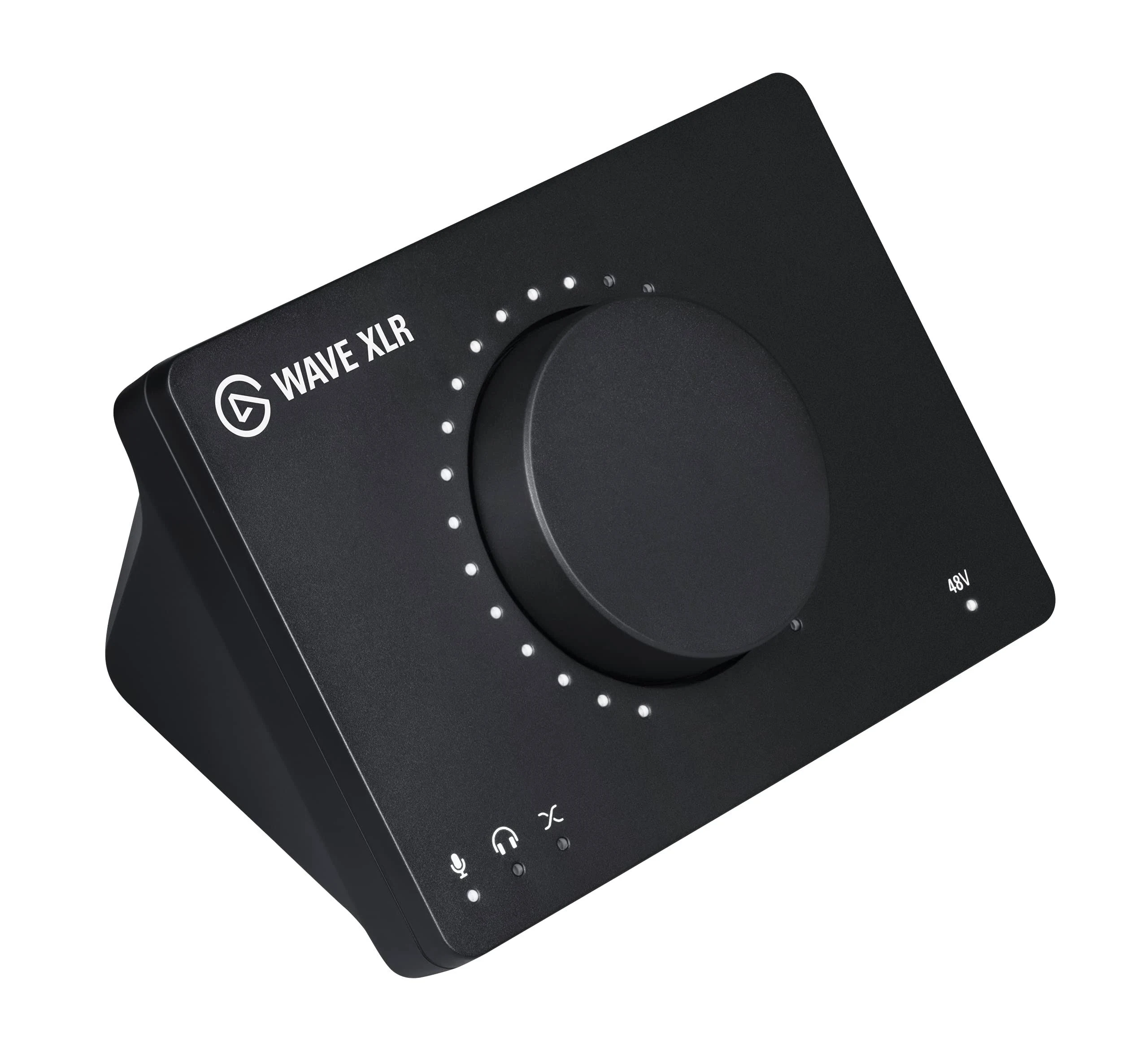 Image: Elgato
Since the Shure MV7 is even more pricey, I decided to see if maybe a USB audio-interface would solve my issues. Originally, I was considering the Audient Evo 4 or the Focusrite Scarlett Solo. The Evo 4 is nice due to the auto-gain button. However, it doesn't have a super simple way of muting (you have to press and hold the input buttons). The Scarlett Solo doesn't seem to have a way of muting either. In addition, due to my desk setup, I would've preferred all the cables coming out from the back of the device, where-as these devices had connectors both on the front and the back. And a minor quibble, but they were 1/4" headphone jacks, where I would prefer the 3.5mm 1/8" jacks.
I had seen the Elgato XLR, but wasn't sure whether I'd want to get it because it double my whole cost, but I found a refurbished version that brought the cost down to match the Scarlett and the Evo 4. With Podcastage's qualified recommendation, I decided to try it out.
I liked that the Elgato XLR has a large mute button, albeit capacitive. I do wish it was a bit larger and more forward and more on top, since the device is a bit triangular. However, it's pretty good. The knob on the front can switch between adjusting gain, computer volume, and mix. I have it set up almost always on computer volume. There's also an LED ring that shows the corresponding mode's levels in white or fully red when muted (though, both colors are adjustable in Elgato's software, which is cool. I've chosen to leave it as white for unmuted and red for muted). All the ports are on the back, including a 3.5mm audio jack, so, that's nice.
I did have similar audio and USB issues with the Elgato XLR as on the Samson Q9U, but ultimately, those went away with the ground loop isolator and moving back to the dedicated USB switch.
Final Setup
So, finally, my setup is a Samson Q9U plugged into the Elgato XLR via an XLR cable. The Elgato XLR is connected to both my computers via a USB-switch. I also have a 3.5mm audio jack extender hooked up to it and snaked under my table so that I can switch headphones. Though, my daily drivers right now are the Audio-Technica ATH-E50 (I was going to include headphones in this post, but this post is getting pretty long already; stay tuned!).
I still would love to get a Shure Super 55 because of the aesthetics.
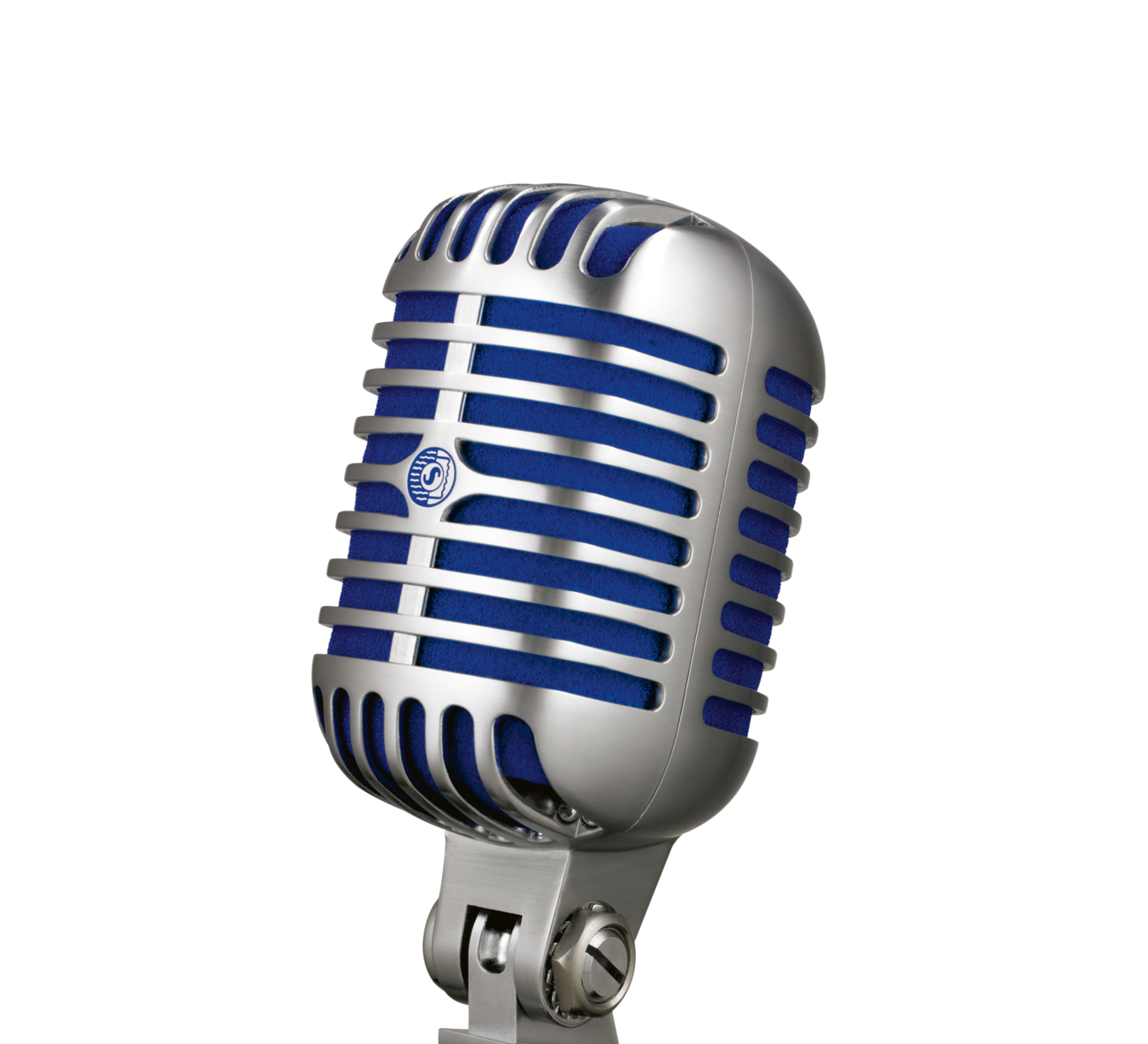 Image: Shure
What's your setup like? Let me know on @gkatsev!
]]>